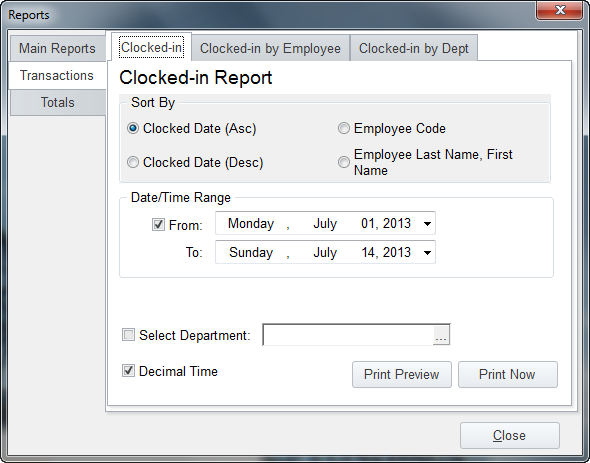
Under the "Transaction Reports" tab your choices as seen above are the Clocked In report, the Clocked in By Employees report and the Clocked In by Department report. Also notice that you can select different sort options as well as date ranges to just show you a particular pay period or date. The Decimal Time option will show the totals as a Decimal with two digit rounding, the Default is Hours, Minutes and Seconds.
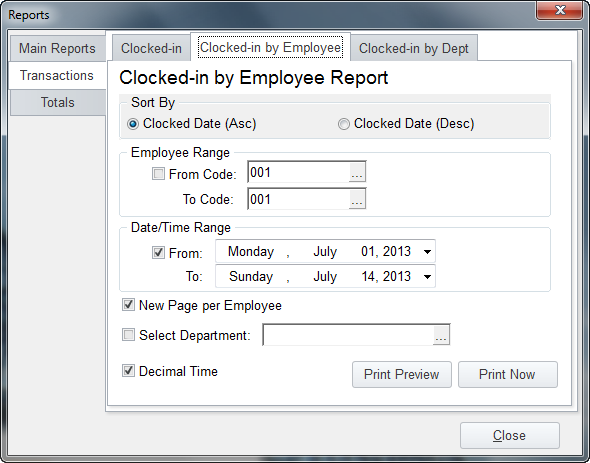
Some user like to print out a list of times for each employee to sign off on, you can do that with the "New Page per Employee" option you see selected below: