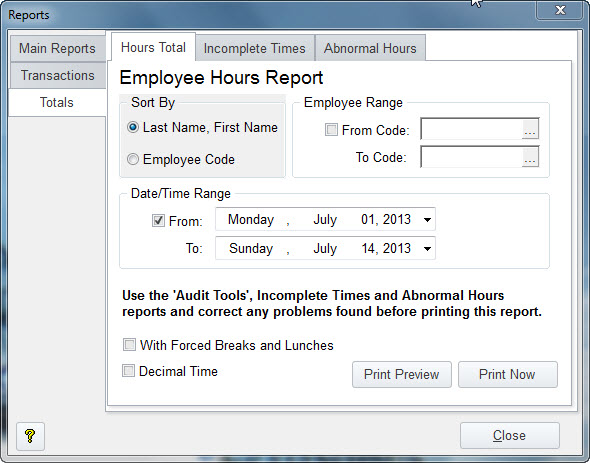
By selecting "Totals Reports", you can print out the totals for your employees. This would be the report you can use if you were not Exporting to PayWindow. You have the option of selecting a range of or even single employees with this report. And of course the ability to select the date range for the pay period. If you've set to use forced breaks and lunches, you would use that option above as well. The Decimal Time option will show the totals as a Decimal with two digit rounding, the Default is Hours, Minutes and Seconds.
Note the two Tabs, Incomplete Times and Abnormal Hours. The Incomplete Times report will show you all transactions that have been punched in but not punched out as well as any that have a punch out time that is before the punch in time. The Abnormal Hours Report, you can set a limit like 12 hours and it will show you all time records that are over 12 hours.
You should run these two reports before your Employee Hours Report so you don't pay an employee that may have punched in one day and back out five days later or own that did not punch out.