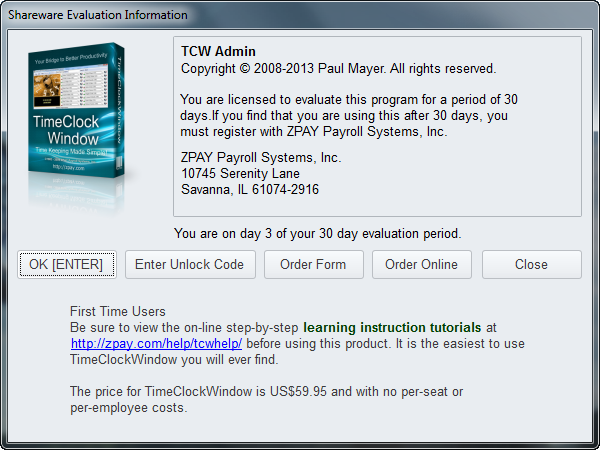
The First Time that you start up TimeClockWindow’s Administrator Tool (tcwa.exe) you will see the Shareware Reminder screen which looks like this:
To evaluate the program, simply click the "OK [ENTER]" button.
If it is the first time you are running TimeClockWindow Administrator, you will see a message like this:
You must create a location and a database to use. The top link displayed in that page above will open the page in this help file with instructions on how to create your company database. The other links will take you to video Tutorials that show you what to do. Click the "First Time" Tab and click here for detailed instructions. Start with "Step 2" on that page.
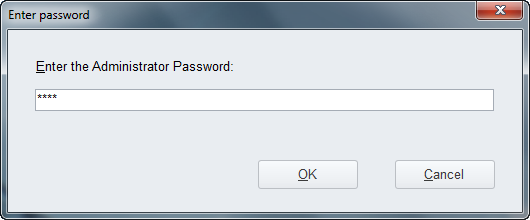
If you've already installed TimeClockWindow and created a password, you will be asked for a password like you see in this next message:
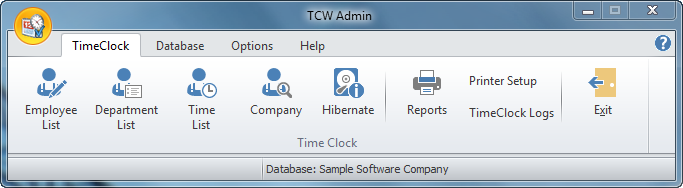
That will open the main screen of the TCW Admin tools which look like this: